A cybersecurity home lab: the hardware for a practice network you can watch
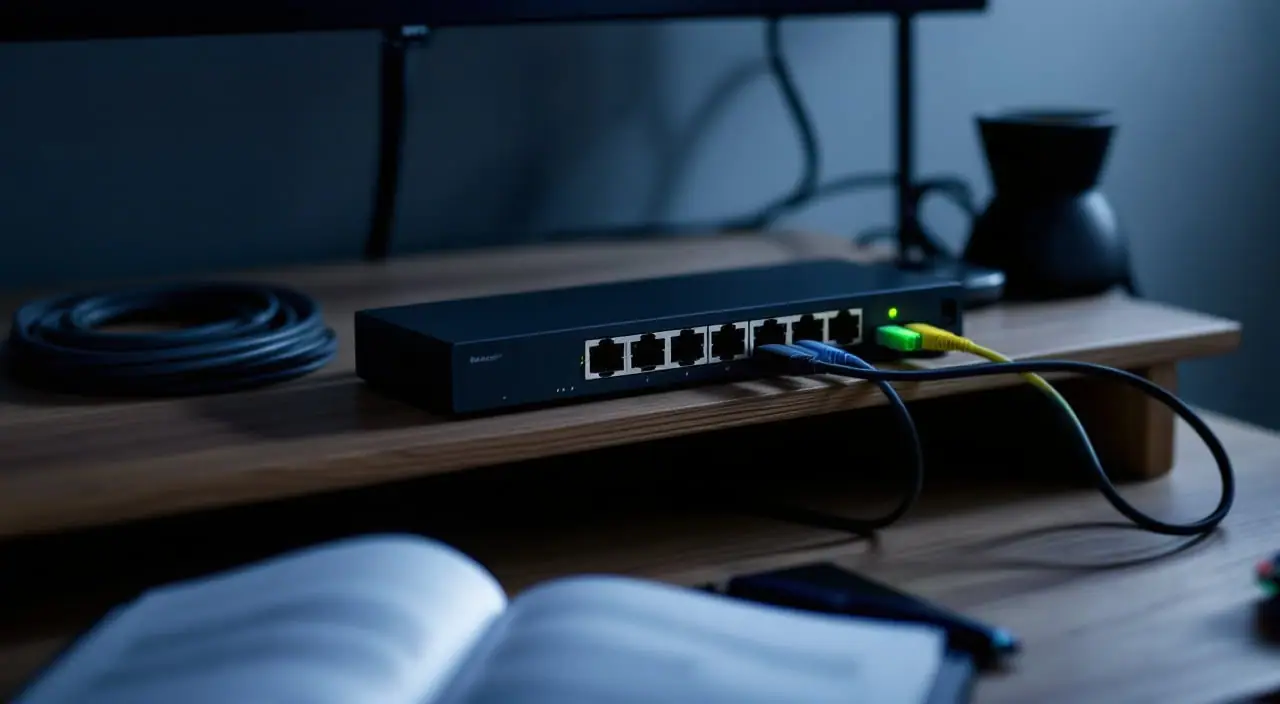
A cybersecurity home lab for defensive practice needs less hardware than most build threads suggest: a lab network walled off from the house with VLANs, a switch that copies traffic to a mirror port, a small computer that records that traffic and turns it into logs and alerts, and a console cable for the evening you lock yourself out. In practice, that is an 8-port smart switch with 802.1Q VLANs and port mirroring, a 16 GB mini PC (or a Raspberry Pi 5 for a lighter build), and an afternoon of cabling.
One rule comes first: everything here stays on equipment you own. The machines you watch are your own VMs and gadgets, on a segment you built. Capturing other people's traffic or probing networks that are not yours is not practice. It can break the law, and it is the opposite of the judgment a security team hires for.
Three questions before you buy
- What will make the traffic? Two or three VMs (a Linux server, a Windows evaluation VM, a desktop that browses and updates) or an old smart plug you own. Every physical device is a switch port.
- How much will you keep? Each megabit per second of average traffic is about 10.8 GB of capture a day, so decide early between days of packets and weeks of logs.
- Where does the lab touch the house? It should be one place: a firewall you control, with rules you wrote.
Keeping the lab off the home network
The simplest isolation is a switch plugged into nothing else, which also means no updates and no fresh IDS rules. Most labs end up with VLANs and a firewall between lab and home:
- VLAN 10, management: the switch's address, the sensor's management interface, the hypervisor.
- VLAN 30, lab: the practice VMs and anything else you plan to watch.
- One more VLAN for the uplink to your home router, the firewall's WAN side.
The rules then say: lab to home denied, lab to internet only when you open it for updates, home to management only from your own laptop. If trunks and PVIDs are new to you, the VLAN layout for a house walks through them. On the Easy Smart switch in the short list, each port is tagged or untagged per VLAN with its own PVID, and TP-Link's datasheet allows up to 32 VLANs.
Your home router can be the firewall if it handles VLANs, but a firewall VM teaches more, because the rules and logs are yours. OPNsense is a common choice; at the time of writing its documentation gives 3 GB of RAM as the minimum and 8 GB as the recommendation. Count ports before you plan it onto the Beelink: its spec page lists a single 1000 Mbps LAN port. One port works if it becomes a trunk, the hypervisor's bridge is VLAN-aware and the VM gets one virtual interface per VLAN, WAN included. The other route is a second USB network adapter for the WAN side. Either way, when the VM is off, the lab has no route out. It fails closed.
For Wi-Fi in the lab, use its own radio: an old access point you own on the lab VLAN, and a separate USB Wi-Fi adapter on the lab laptop so its built-in card stays on the home network. ALFA lists the Realtek RTL8812AU chipset, dual-band operation and Windows and Linux support; its Linux table says several distributions need a driver built from source, and the product page does not promise monitor mode, so check yours first.
A mirror port and a box that listens
Port mirroring copies frames from one or more ports to a destination port. TP-Link's Easy Smart datasheet lists one-to-one and many-to-one mirroring; the TL-SG2008 adds flow-based mirroring. Mirror the trunk to the firewall to see everything crossing the lab boundary, or one VM's port to see one host, which is easier to read in your first month.
Two cautions. A gigabit destination port carries a gigabit. Mirroring both directions of a busy gigabit link can ask for twice that, and copies that do not fit are dropped, so a quiet capture may be an incomplete one. And the listening interface gets no IP address: it hears and never talks, which is also what Security Onion's documentation asks of a sniffing interface.
So a sensor wants two interfaces, one with an address for management and one without, cabled to the mirror port. The Pi 5 has one Ethernet port, so plan on a USB gigabit adapter for the listening side (it has two USB 3.0 ports); Mini S13 listings differ on one or two 2.5 GbE ports, so check the version before you count on a second one. Then a rotating capture:
# eth1 is the USB adapter cabled to the mirror port; yours may have another name
sudo ip link set dev eth1 up
sudo ip link set dev eth1 promisc on
sudo tcpdump -i eth1 -n -C 100 -W 50 -w /srv/pcap/lab.pcap
-C 100 starts a new file every 100 million bytes and -W 50 keeps 50 numbered files, overwriting the oldest, so the ring stays near 5 GB. If tcpdump cannot create the next file, give the directory to the user it drops privileges to. Open files in Wireshark on your laptop when an alert needs a closer look.
A small IDS and log stack
Three open-source tools cover most of what a junior analyst is asked about:
- Suricata, a signature-based IDS. Matches land as alerts in a JSON log called EVE, with records of the flows it saw.
- Zeek, which writes a structured log per protocol (connections, DNS, HTTP, TLS) instead of alerts. It teaches what normal looks like.
- Security Onion, which bundles tools like these with search and case handling. At the time of writing its hardware page asks for 24 GB of RAM and two network interfaces for a standalone install, more than the Beelink's 16 GB maximum. Its import mode, for capture files you load, asks for 4 GB and one interface.
OPNsense also ships intrusion detection built on Suricata, a gentle first step once the firewall VM runs.
How I would split it: the Pi records packets and collects syslog (the leaner build). The Beelink runs a hypervisor with the OPNsense VM and one Linux VM for Suricata and Zeek (the step up). Intel lists a 16 GB maximum for its N150 and the Mini S13 ships with 16 GB, so size the VMs to fit. Give the Pi an SSD rather than a microSD card, because a ring buffer writes all day.
Syslog and alert hygiene
Logs help only in one place with the right time on them. Pick one collector (the Pi is fine), point every device at the same NTP server, and send it the firewall's remote logging, the sensor's EVE output (Suricata can write it to syslog as well as to a file) and the hypervisor's logs. A minimal rsyslog listener that files each sender separately:
# /etc/rsyslog.d/10-lab.conf on the collector
module(load="imudp")
template(name="PerHost" type="string" string="/var/log/lab/%HOSTNAME%.log")
ruleset(name="lab") {
  action(type="omfile" dynaFile="PerHost")
}
input(type="imudp" port="514" ruleset="lab")
Allow UDP 514 on the management VLAN only. Syslog for small networks covers rotation and retention. The Easy Smart switch has no SNMP agent to report anything; the TL-SG2008 lists SNMP traps, and the field manual chapter on traps explains receiving them.
Then the habit that matters most. A fresh ruleset fires even on a quiet lab: update traffic, a Windows VM checking in with its vendor, a package mirror over plain HTTP. Give every alert a verdict (real, benign, or noise) and write it down. Suppress noise by signature and host in Suricata's threshold file, with a comment saying why, rather than disabling whole rules. The advice on alert fatigue applies to IDS output as much as to uptime checks.
That dated notebook of verdicts is also interview material. "I saw this, here is what I checked, here is why I closed it" is the answer an analyst or help-desk interviewer is listening for. If you are working toward a first security or network role, pair the lab with a Network+ study guide and the path from help desk to network engineer.
The console cable, for the day you lock yourself out
The classic lockout: you change the management VLAN, or retag the trunk you are connected through, and the web page stops answering. Make management changes from a port the change does not touch, and save the configuration to a file first (the Easy Smart has a backup and restore page).
Neither TP-Link switch here lists a console port, so on those the way back is a factory reset and that saved file. The USB to RJ45 cable is for Cisco-style console ports: the used switch or router many CCNA students buy, and plenty of firewall appliances. Open a serial terminal at 9600 baud, 8 data bits, no parity, 1 stop bit (the usual default on that gear) and you have a session that works when every VLAN is wrong.
Cybersecurity home lab hardware in one table
| Need | What to look for | Why |
|---|---|---|
| Lab apart from the house | 802.1Q VLANs, PVID per port | Lab, management and uplink stay separate |
| Traffic to watch | Port mirroring, many-to-one | Copies lab traffic to the sensor |
| A sensor that only listens | A second interface with no IP | Capture and management stay apart |
| Firewall VM | Two ports, or one trunk with VLANs | Filters everything between lab and home |
| IDS and firewall on one box | 16 GB RAM, SSD | Suricata, Zeek and OPNsense share memory |
| Capture storage | SSD, not microSD | Ring buffers write all day |
| Recovery | USB to RJ45 console cable | A way in when the network config is wrong |
The short list
The Easy Smart switch is what most labs need first: VLANs and a mirror port, set from a browser. For the box that listens, the Pi 5 is the leaner choice and the Beelink the step up, with room for an IDS and a firewall VM. The TL-SG2008 replaces the Easy Smart when you want the switch itself graphed over SNMP.
These come from the makers' spec sheets and from reviews others have published, not from a bench session of ours, so read the current spec page before ordering. The Pi is the bare board: add Raspberry Pi's 5V 5A USB-C supply, an active cooler (the maker says it performs best with one) and an SSD over USB or an M.2 HAT.
When to spend more
Spend when the lab hits a real limit:
- Security Onion as a standalone sensor, or two sensors at once: RAM well past 16 GB and two Ethernet ports, so a mini PC with dual NICs and room to add memory.
- A busy uplink: past a gigabit of mirrored traffic a mirror port drops frames, and Security Onion's documentation recommends a dedicated TAP where possible.
- Months of history: keep Zeek logs and Suricata alerts for months and full packets for days, and buy disk for the packets.
- The switch on your dashboards: move to the TL-SG2008 and poll it with SNMP v3.
Short of those, draw the lab on one page before you buy: VLAN numbers, which port mirrors to which, where the firewall sits. If the drawing has exactly one line to the house, the hardware above is enough.
next: IPv4 subnet calculator for the numbers, the Rack list for the gear